Furniture Removal Examples
See how AI creates clean, empty room photos from fully furnished spaces
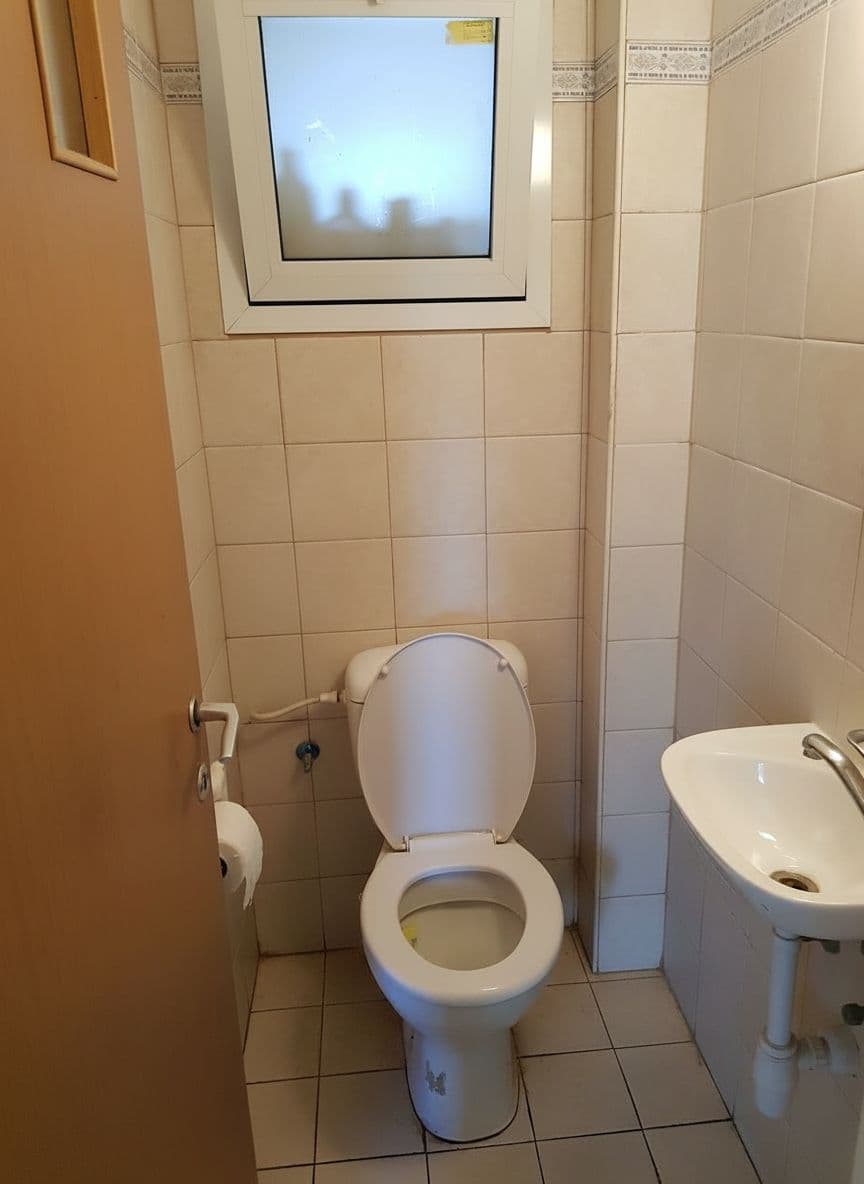 After
After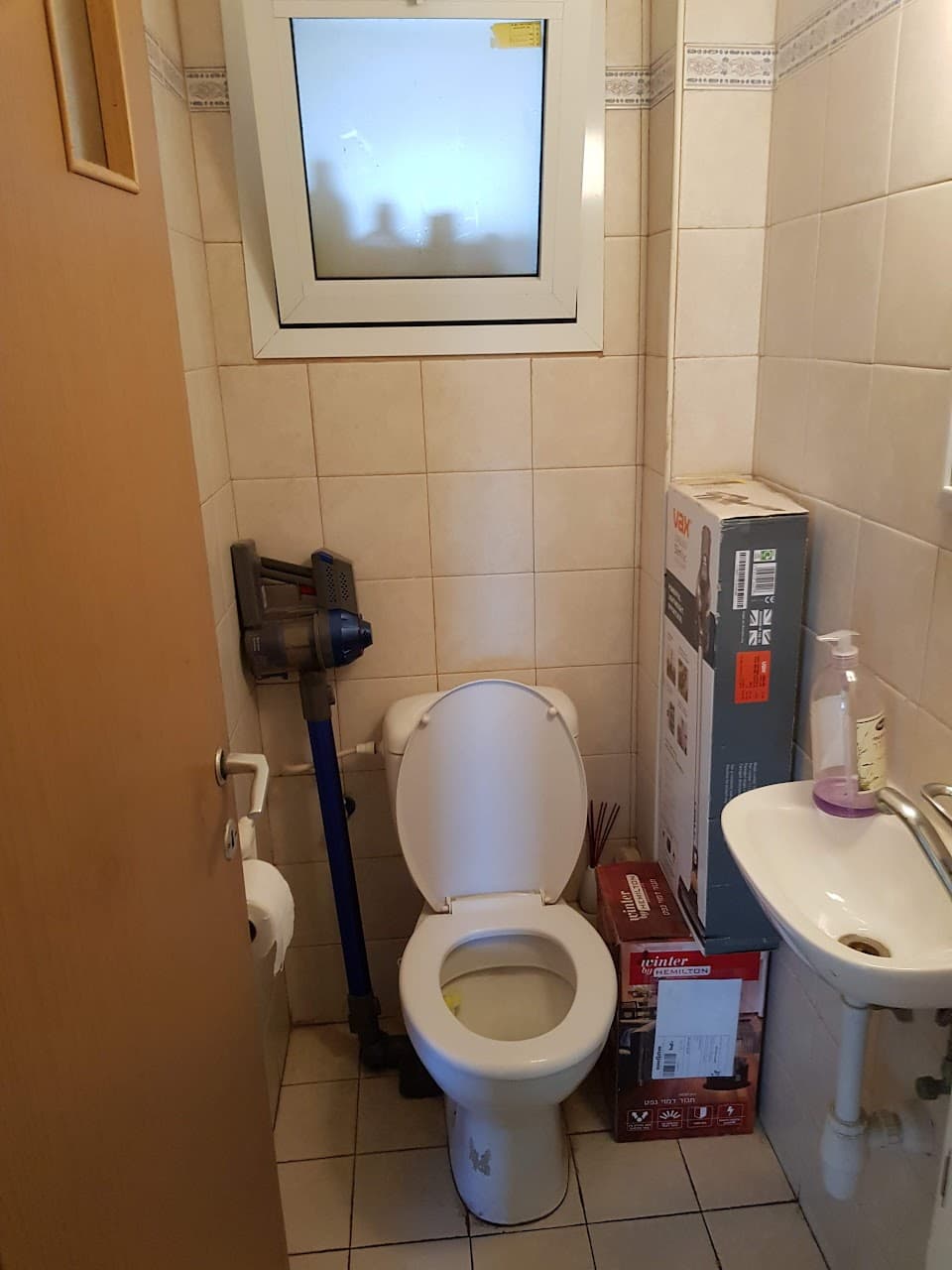 Before
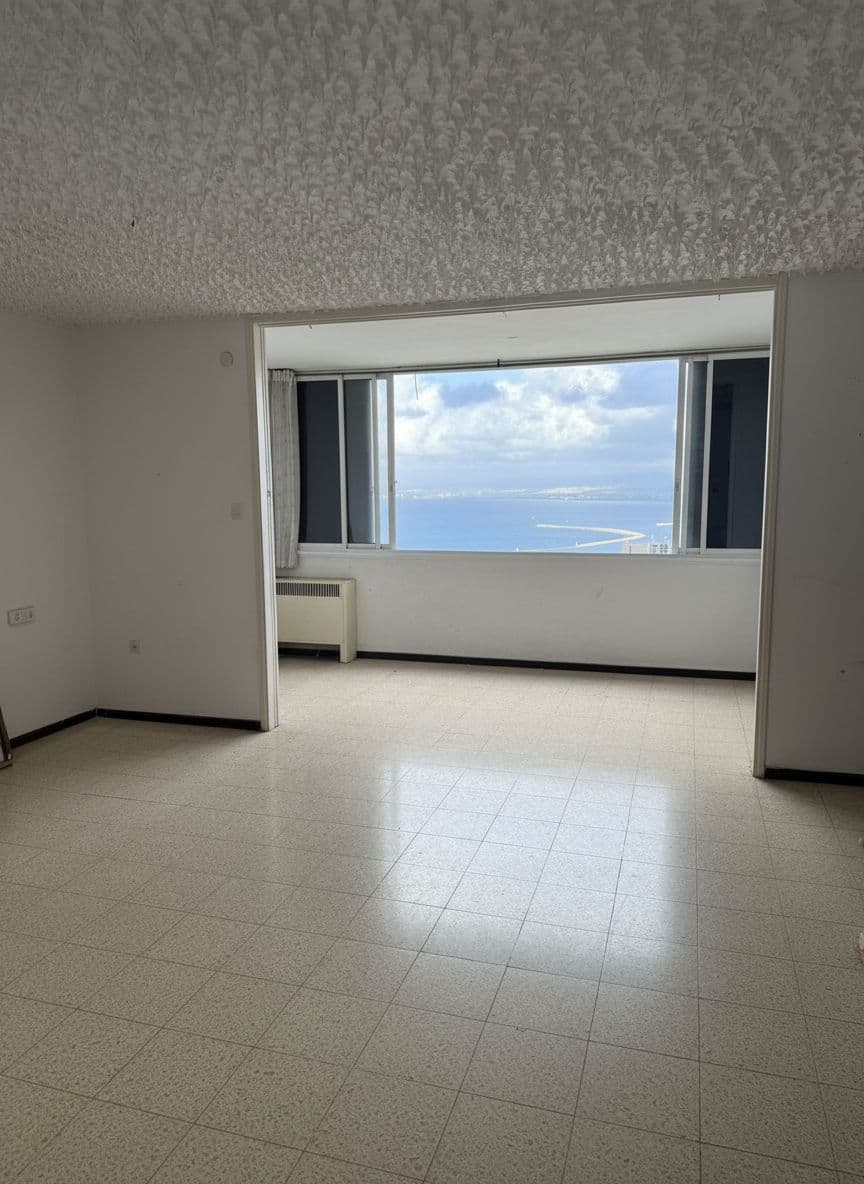 After
After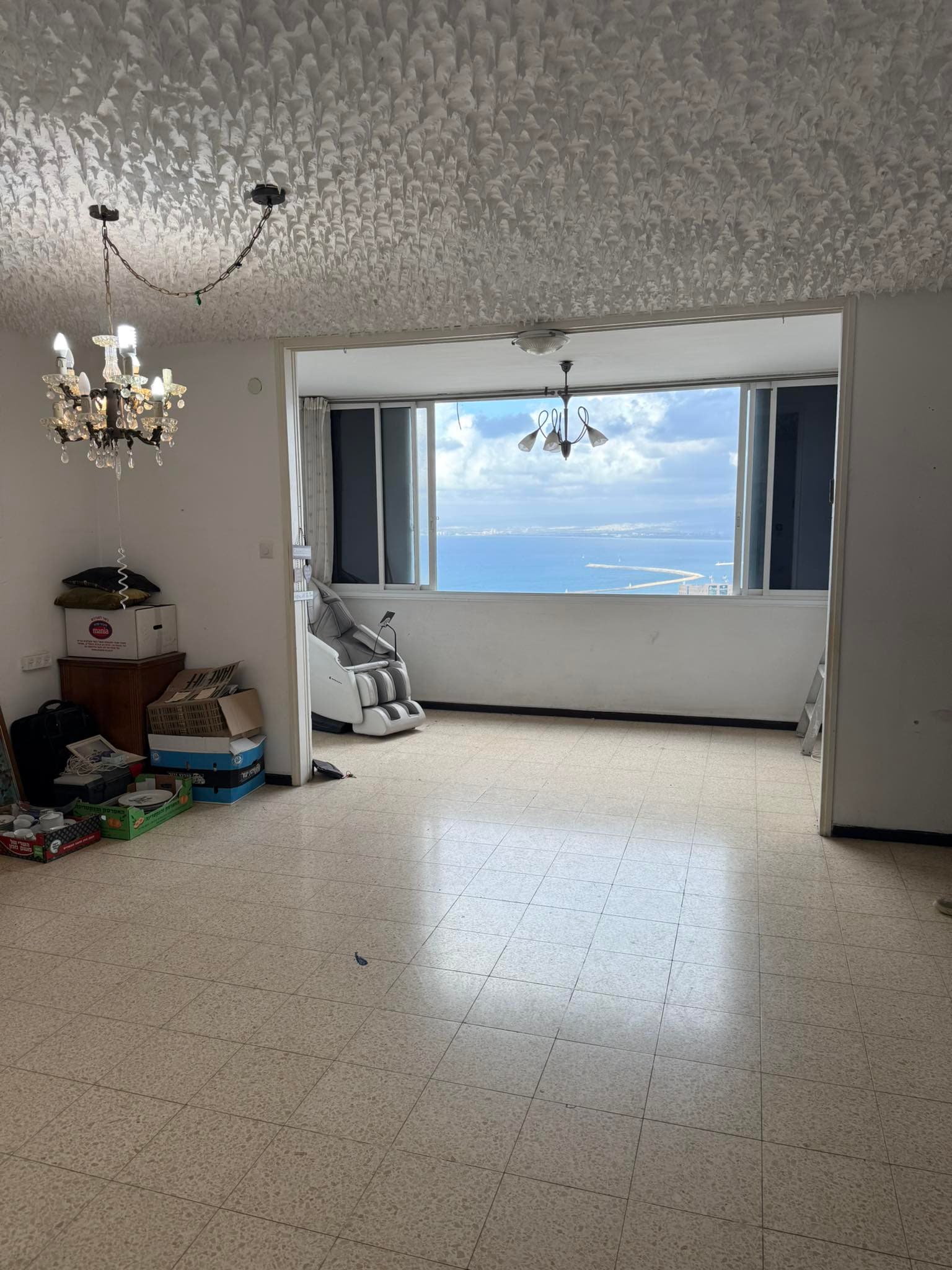 Before
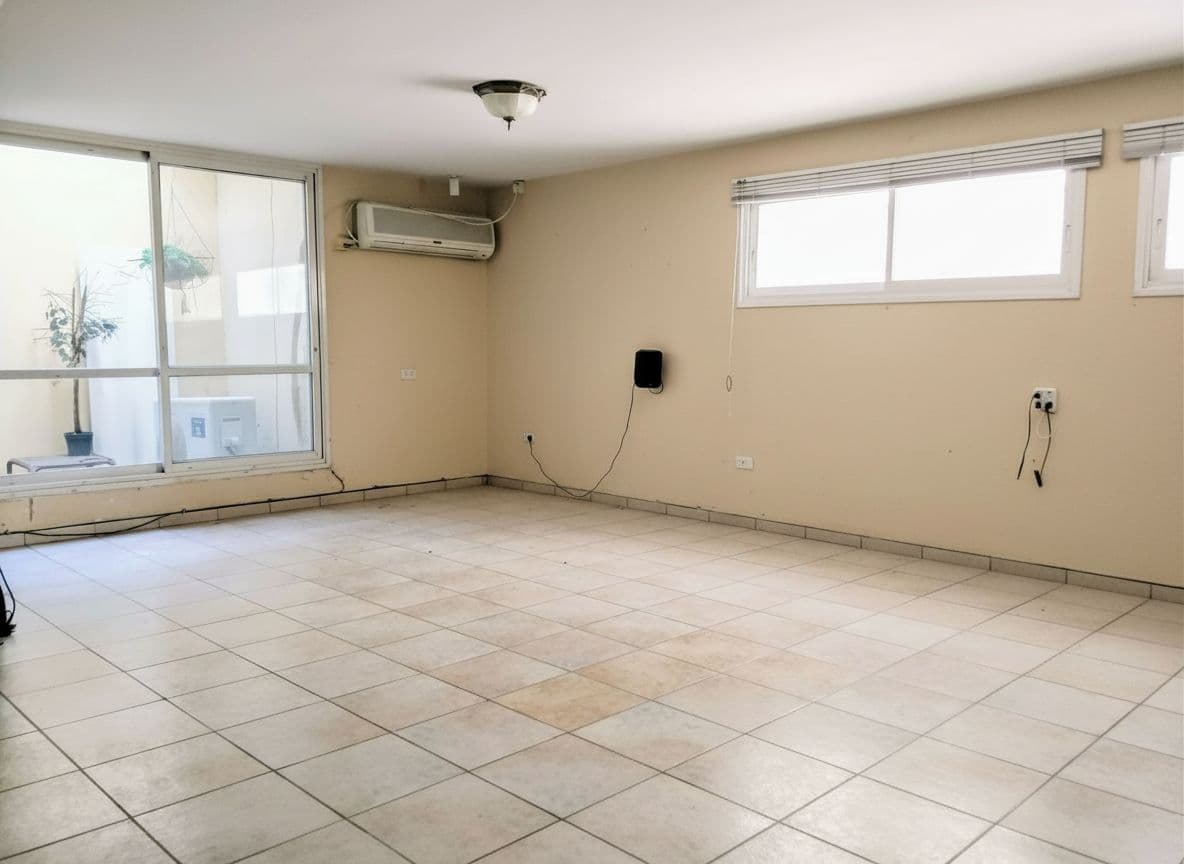 After
After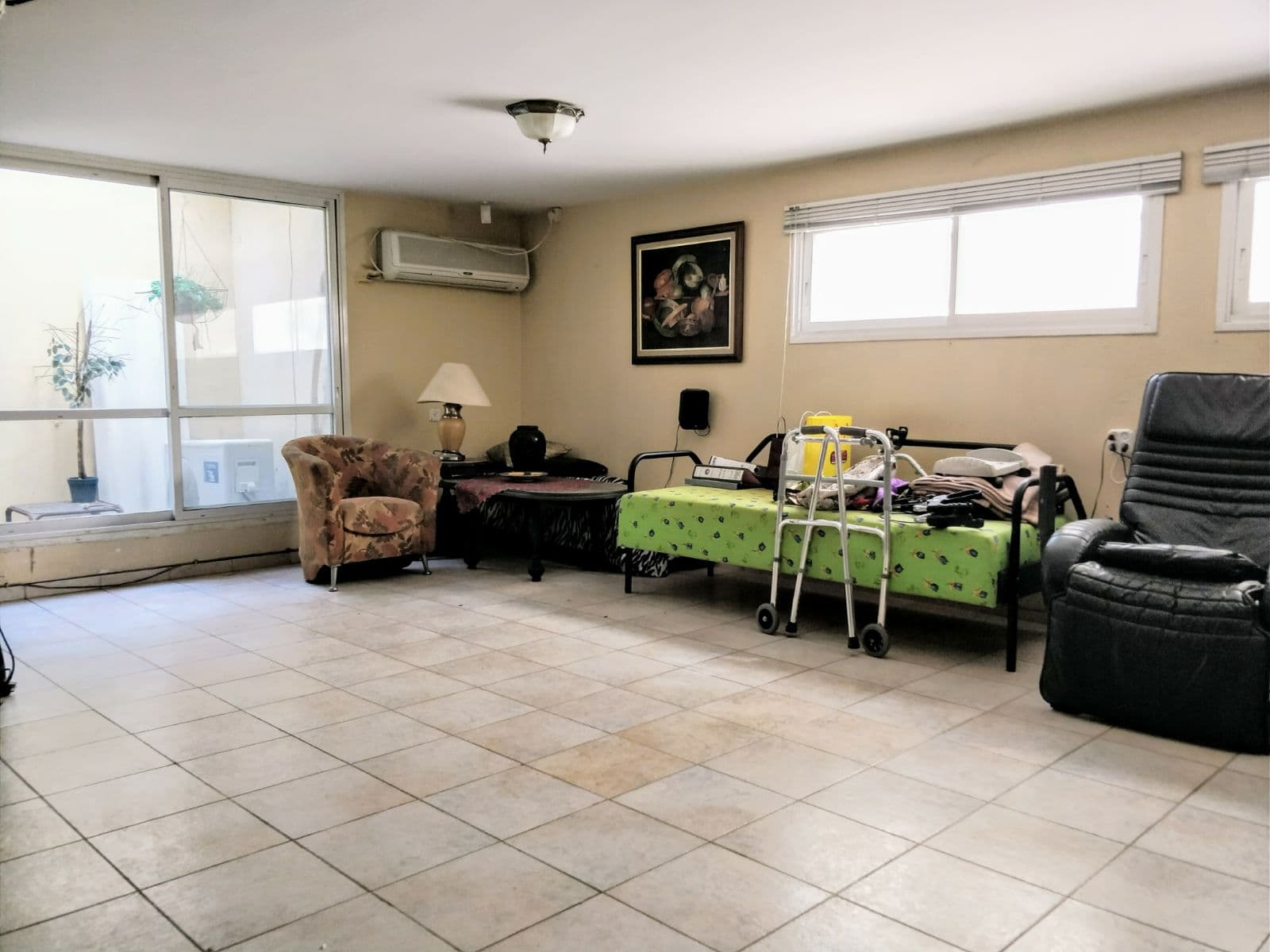 Before
Drag the slider to compare before and after
Why Remove Furniture from Listing Photos
Empty room photos help buyers visualize their own furniture and see the true space
Show True Room Dimensions
Furniture can make rooms look smaller than they are. Empty room photos reveal the actual space, helping buyers accurately assess room sizes and layouts.
Let Buyers Visualize Their Space
Buyers want to imagine their own furniture in a home. Remove existing furniture from photos so every buyer can picture their perfect setup.
Save on Physical Clearing
No need to physically empty rooms for photos. AI removes furniture digitally, saving time and money while sellers continue living in the home.
Results in Seconds
Get clean, empty room photos in under 10 seconds. No waiting for movers, no disruption to sellers, no scheduling headaches.
Furniture Removal FAQ
Our AI analyzes the room photo, identifies all furniture and movable objects, then digitally removes them while reconstructing the floor, walls, and architectural details behind them. The result is a realistic empty room photo.
Yes. Our AI handles living rooms, bedrooms, kitchens, dining rooms, offices, and more. It works with any furniture style and room layout, adapting to different flooring types, wall colors, and lighting conditions.
Yes. The AI reconstructs hidden surfaces like flooring and baseboards using context from the visible parts of the room. Results look natural with consistent textures, shadows, and perspective.
Empty room photos help buyers visualize their own furniture in the space. They also clearly show room dimensions, floor condition, and architectural features that furniture might obscure. Many agents include both furnished and empty versions.
The vacant mode removes all furniture and movable objects to create a fully empty room. If you only want to remove clutter while keeping furniture, use our Tidy mode instead.